 PikaOS Projects
Otter-shell · #130
Print dialog — printing produces blank pages when print image or image scanned PDF.
Printing through the Otter print dialog produces completely blank page. It also happens when printing to file. This happens when order a print from Evince (PDF) and Image Viewer (PNG). 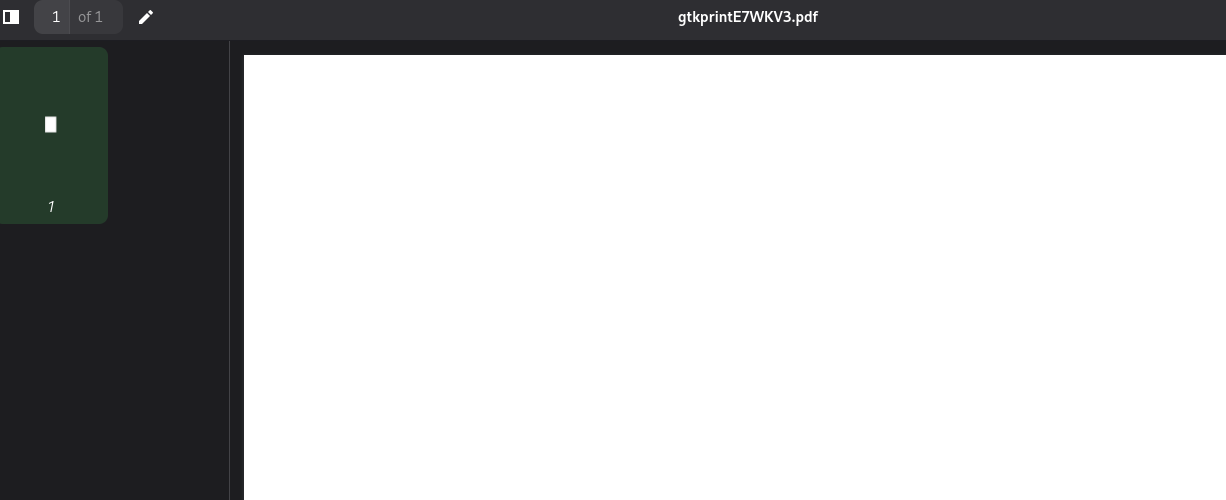
The printer works normally from the CUPS web UI, and printing through OnlyOffice or LibreOffice works correctly.
Bug report
Steps to reproduce
- Open Evince, open a PDF, Ctrl+P
- Print — and separately, Print to File
Expected behavior
page content is printed.
Actual behavior
blank white paper. Print-to-file likewise produces a white page which seems to be accurate paper size but no content.
Environment
Image Viewer is Loupe (GNOME 50) PikaOS 4, kernel 7.2.4-pikaos evince 49~alpha.1-1
Discussion
Sign in with Discord to comment.