 PikaOS Projects
Otter-shell · #50
Small visual issues in Otter-settings
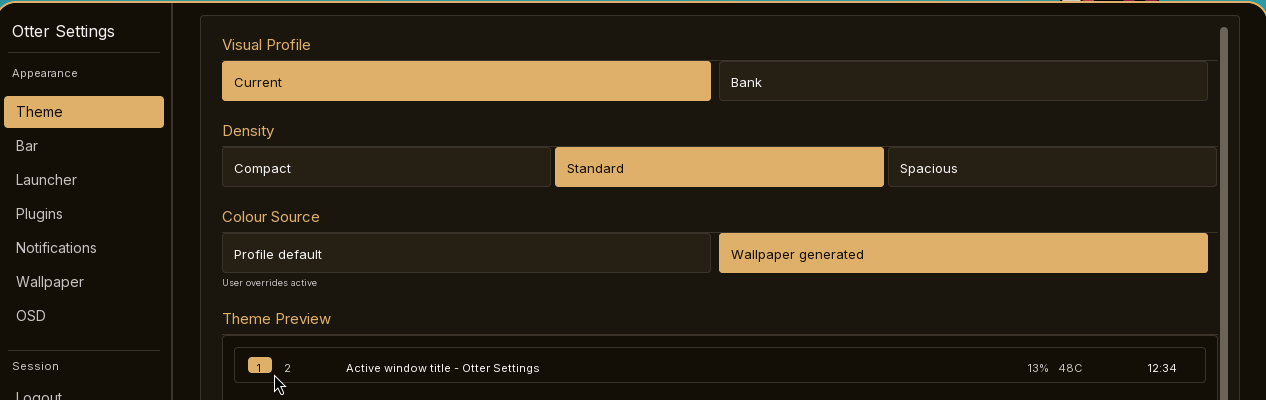
Theme preview:
-bubble not centered around the numbers (screenshot A)
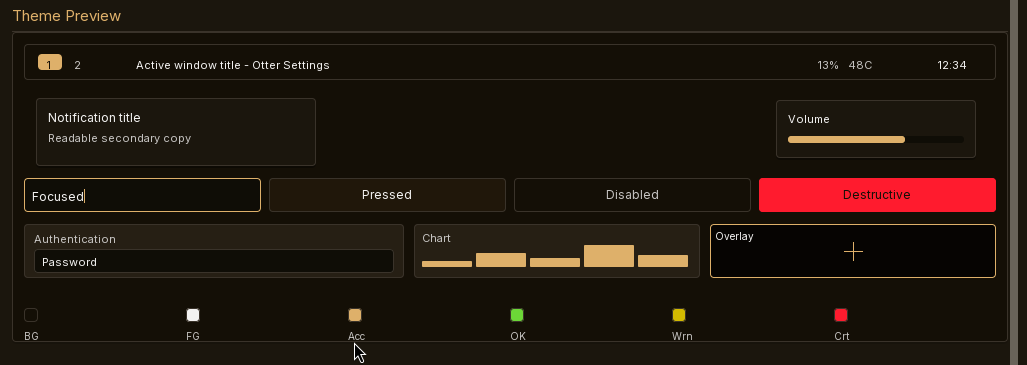
-bottom margin is very tight compared to the top (screenshot B)
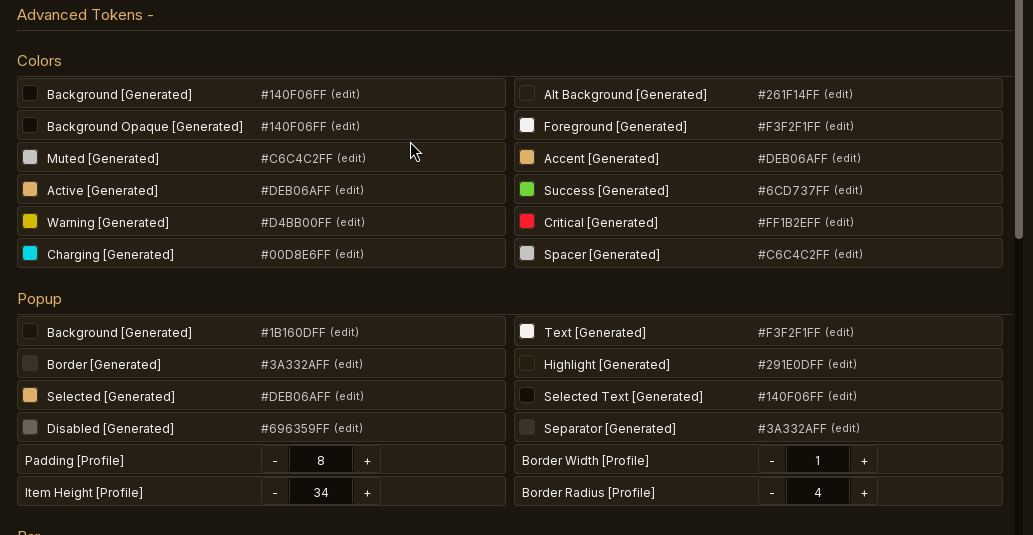
Theme, advanced tokens: -text is lined up with the bottom of the color example, not centered
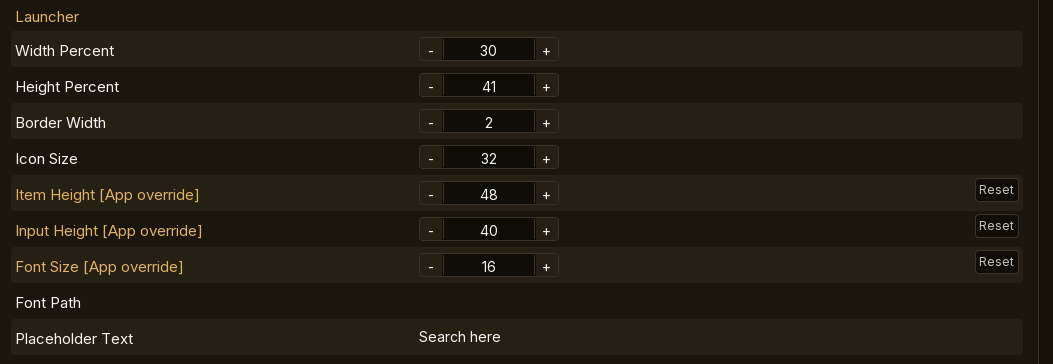
Overal issue around the settings ui: -none of the input fields are vertically centered (screenshots D) -none of the input fields are selectable
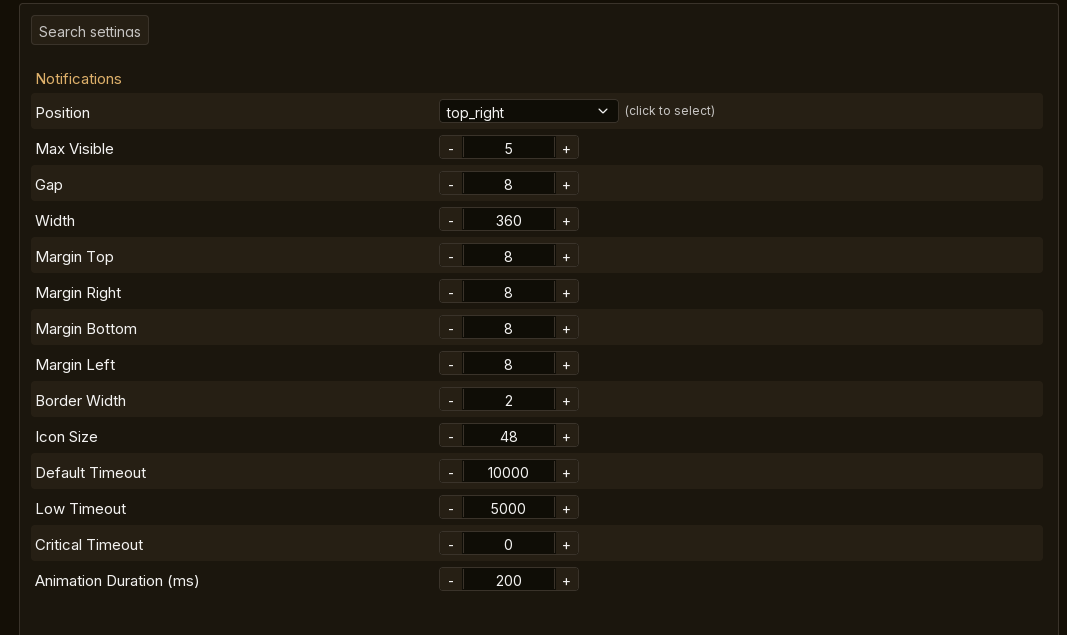
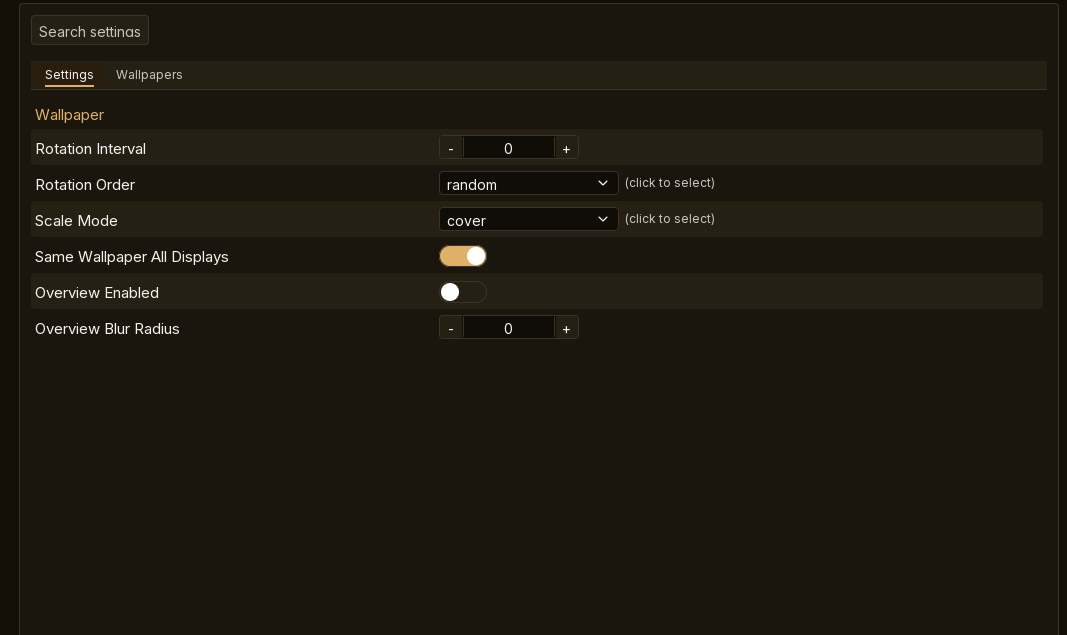
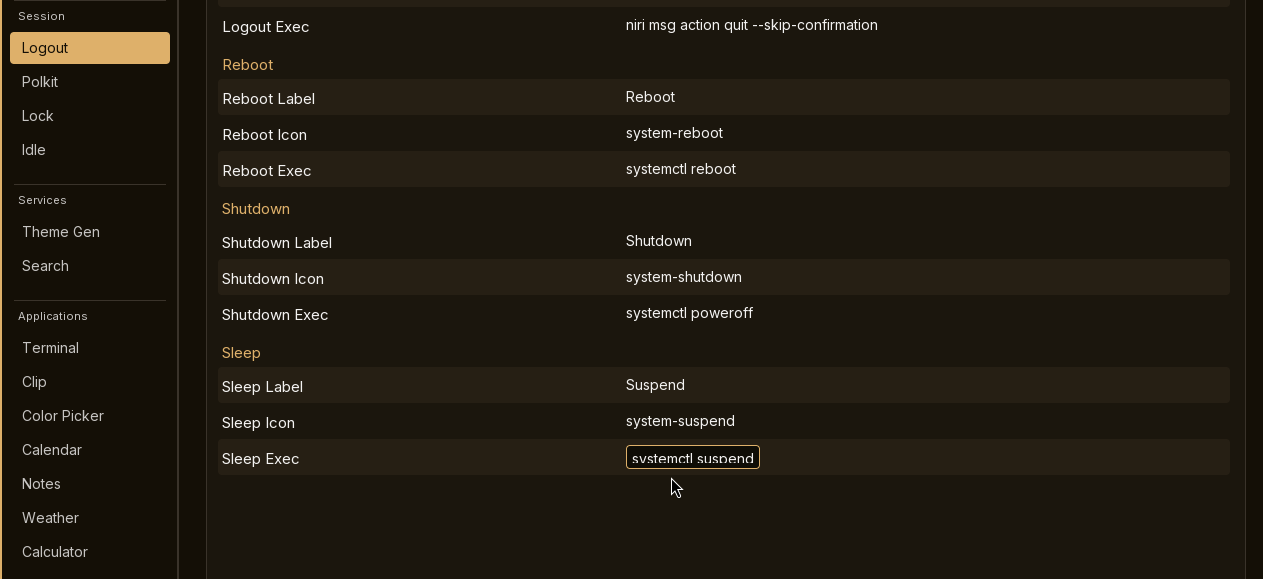
Logout: -selecting an inputfield cuts of the bottom of the text (screenshot E)
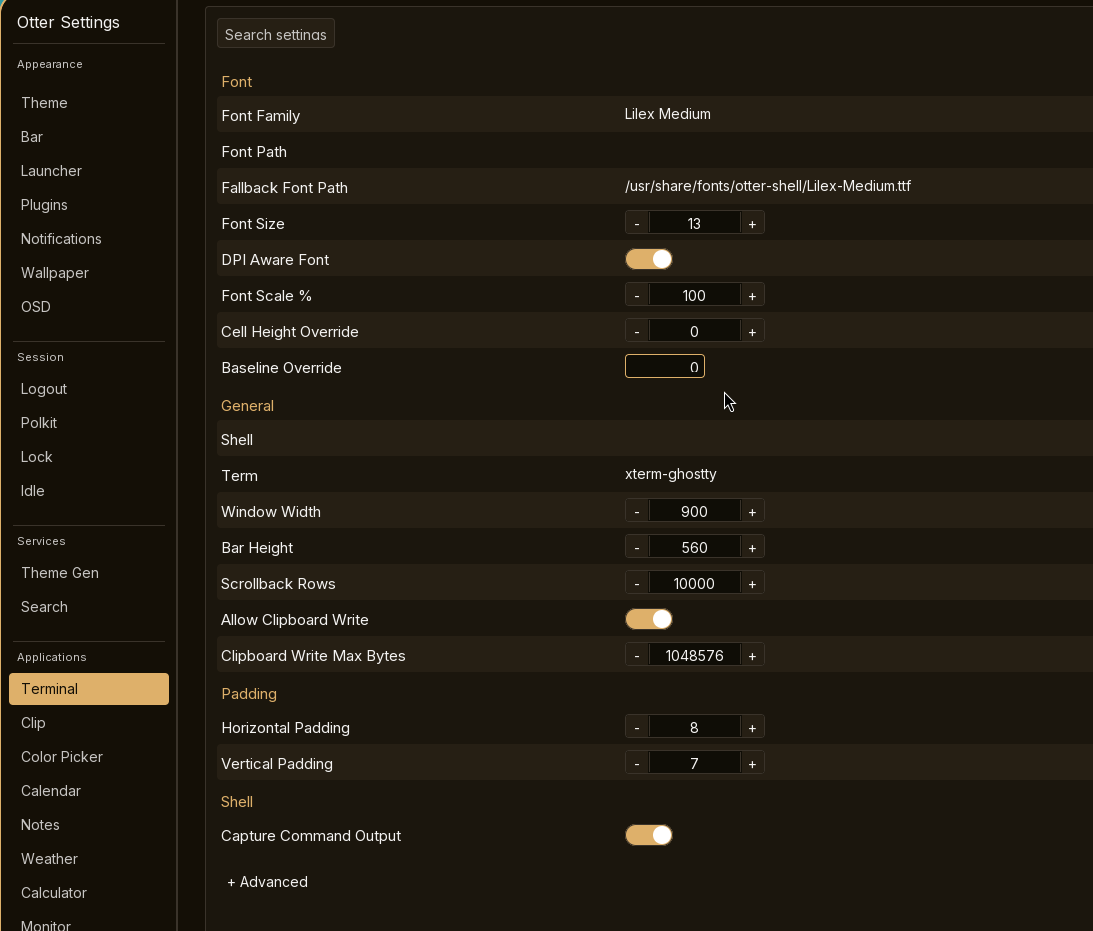
Terminal: -selecting a field cuts of the text and lines it up to the right (screenshot F)
Idle: -selecting a field cuts of the text and lines it up to the right (screenshot G)
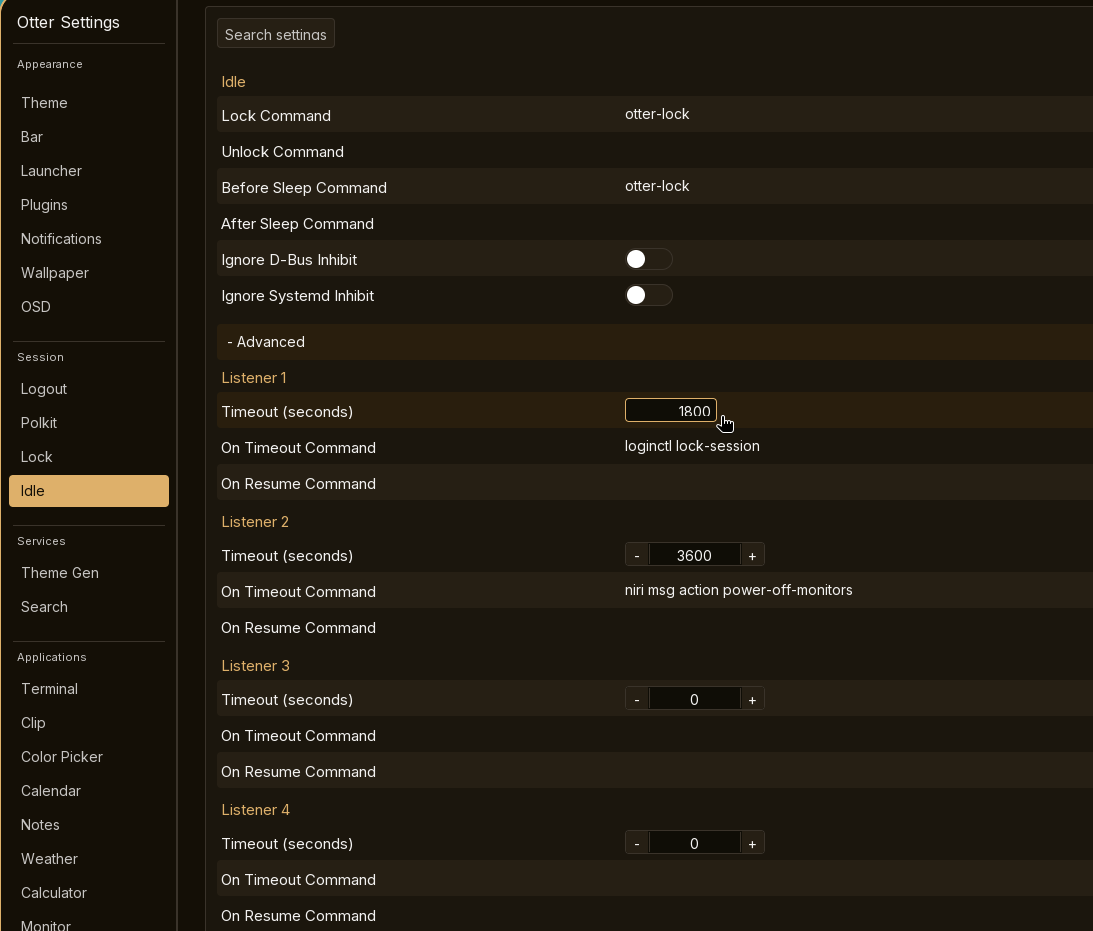
Search: -selecting a field cuts off the text and lines it up to the right
Bug report
Steps to reproduce
Open otter-shell
Expected behavior
centered, ability to select values
Actual behavior
vertical centering is off in many fields, selecting fields pushes values to the right and cuts off text and numbers
Environment
PikaOS Niri 1440p 100% scaling
Discussion
Sign in with Discord to comment.
Implemented and pushed as otter-settings commit 753651e.
Fixes:
Added an active-edit visual regression fixture with visible selection. Verified the exact pushed commit with
zig build -Doptimize=ReleaseFast testandzig build -Doptimize=ReleaseFast visual-test; all 18 visual cases pass.